AI Studio.
From brief to proposal.
An editable first proposal.
Describe a screen menu, poster or social post. Review the proposal, then edit its text, prices and layout in PublyQ.
Design, write, connect and keep things current. Discover what each part of your workspace can do.
Describe a screen menu, poster or social post. Review the proposal, then edit its text, prices and layout in PublyQ.
Websites, booking links, contact cards, Wi-Fi, messages, events and more. Give the code its own colours, modules, corners, caption and frame.
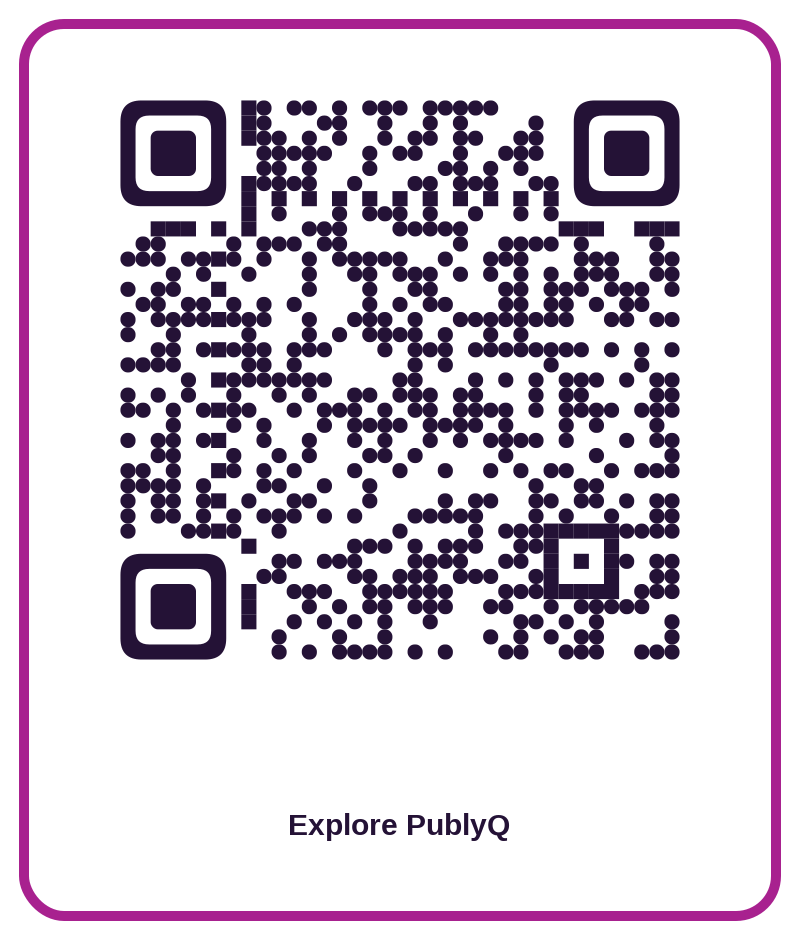
Actual QR exports. Scan to open PublyQ Features.
Create surveys, polls and feedback forms. Share a published link or QR, then review responses and results in the workspace.
Try a sample survey See how to collect feedbackAvailability depends on workspace access.
Publication Studio gives customer pages and printed artwork their own document and editor. Choose page sizes, build multiple pages and design with text, photographs, shapes, lines, tables and QR codes.
Discover Publication StudioChoose the format.
Build every page your way.
Change names, descriptions, prices, size labels and availability from your phone. Review your changes and publish while the design stays in place.
Set days and hours for individual slides, or schedule a saved design for a time window. Keep your screen's base content ready outside that window.
Build the layout on your computer: place text, images, prices, shapes and elements. Manage slides and review the design before publishing.
Browse Unsplash photographs and Pixabay photos or short videos. Add your own media where your plan allows, then work with colours, backgrounds, fonts and editable promotional elements.
Explore media and design toolsLive widgets belong to screen playback. Publication and print documents have their own tools.
Your workspace shows current feature access, AI allowances and upload limits. Review media rights and your final design before publishing or printing.
Create your first digital menu, promotion or business display with PublyQ.